Choosing Your Notifications
Pick what you hear about and how: push, email or text.
2 min readIncludes a walkthroughNotifications
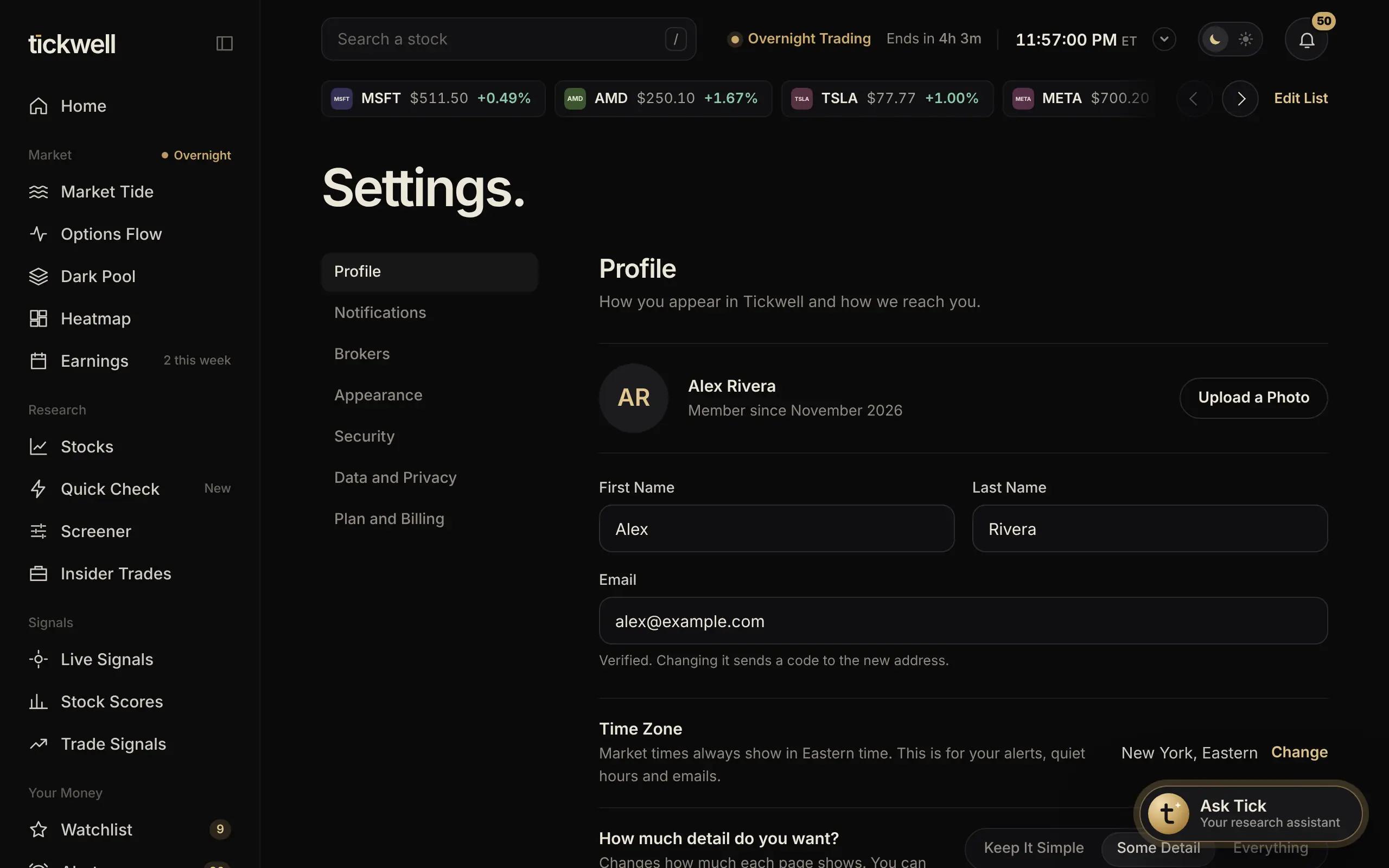
- Open Settings and choose Notifications.
- Under Where to Reach You, turn on Push on This Device and Sound if you want them, and check your email.
- Under What to Send, pick how you hear about each kind: Alerts You Set, Your Options, Morning Briefing, Earnings for Your Stocks, Weekly Recap and Tickwell News. Each can go to the bell (Notification), Push, Email or Text.
- Turn on Hold Notifications Overnight to keep things quiet from 10:00 PM to 7:00 AM. Urgent option alerts still come through.
Was this helpful?